 Hire Me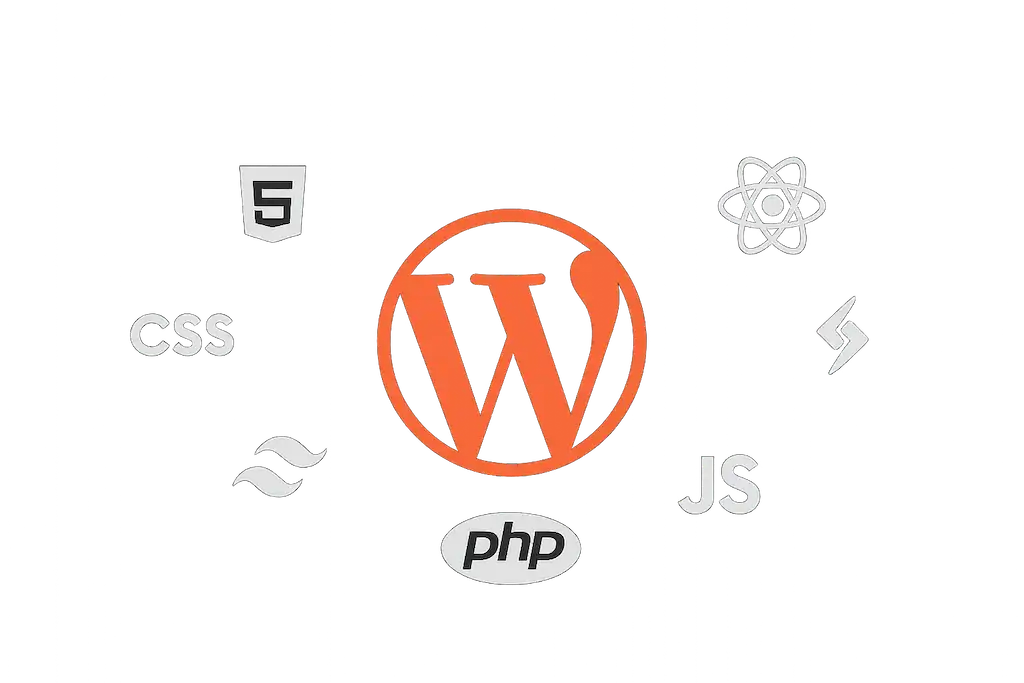
Hi there!
In this article, I’d like to share my experience of building a personal website using WordPress — from choosing the technologies to handling technical challenges and selecting lightweight, practical plugins.
If you’re considering launching your own personal website or curious about what’s going on behind the scenes of mine, this post will be helpful for you.
Technologies I Used
Front-End
For the front-end, I used plain HTML, CSS, and JavaScript, without any frameworks like React or Vue.
The biggest challenge was keeping the codebase maintainable and scalable without the help of component-based tools.
Back-End
Since the site is built on WordPress, the back-end is powered by PHP. I used WordPress functions to create various templates such as archive pages and single posts.
Why WordPress?
WordPress is a great choice for projects with limited time and a need for a simple admin panel.
In this website, WordPress handles content management, translations, database communication, and SEO optimization.
Custom Theme Development
CSS Structure
I built the theme from scratch using CSS Grid for the main layout and Flexbox for internal elements.
After finishing the first version, I discovered Tailwind CSS — and I really enjoyed working with it!
It gave me more control over design and made the process faster. If I design another theme in the future, I’ll definitely use Tailwind.
Modern CSS Features
Features like CSS variables, nesting, and improved media queries helped keep the code clean and short.
For lightweight projects like this, these modern features made tools like SASS unnecessary.
Making the Site Multilingual
Translating the site was one of the major challenges. In the end, I used a combination of these two plugins:
- Loco Translate – for translating theme strings
- Polylang – for managing translated content (pages, posts, etc.)
I couldn’t find a single plugin that handled both tasks well, but combining these two worked effectively.
SEO with Rank Math
For SEO, I used the free version of Rank Math SEO.
It provided a better experience compared to other plugins I tried, and it had all the features I needed for a personal site.
Version Control and Deployment with Git
I managed the project with Git and hosted the repository on GitHub.
Then, I connected the project to GitHub through cPanel, so every time I push an update, the theme gets deployed automatically.
This is much faster and more professional than uploading files manually.
Caching the Site
I used the LiteSpeed Cache plugin, which is supported by my hosting provider.
Although I haven’t configured it deeply yet, I plan to optimize it further in the future.
Plugin Summary
I’ve only used 4 plugins on this website:
- Rank Math SEO
- Loco Translate
- Polylang
- LiteSpeed Cache
Using fewer plugins has a direct impact on the speed and performance of the site.
Building a custom theme also helped me avoid the extra bloat that page builders like Elementor add.
For example, although Elementor is popular, it adds a lot of unnecessary elements to the DOM, which can slow down loading time.
Final Thoughts
Building my personal website with WordPress has been a deep and valuable learning experience.
My main focus has always been speed and optimization, and this project showed me how impactful a custom theme can be on the overall performance.
If you’re aiming for a lightweight, fast, and easy-to-control website, I highly recommend considering a custom theme.